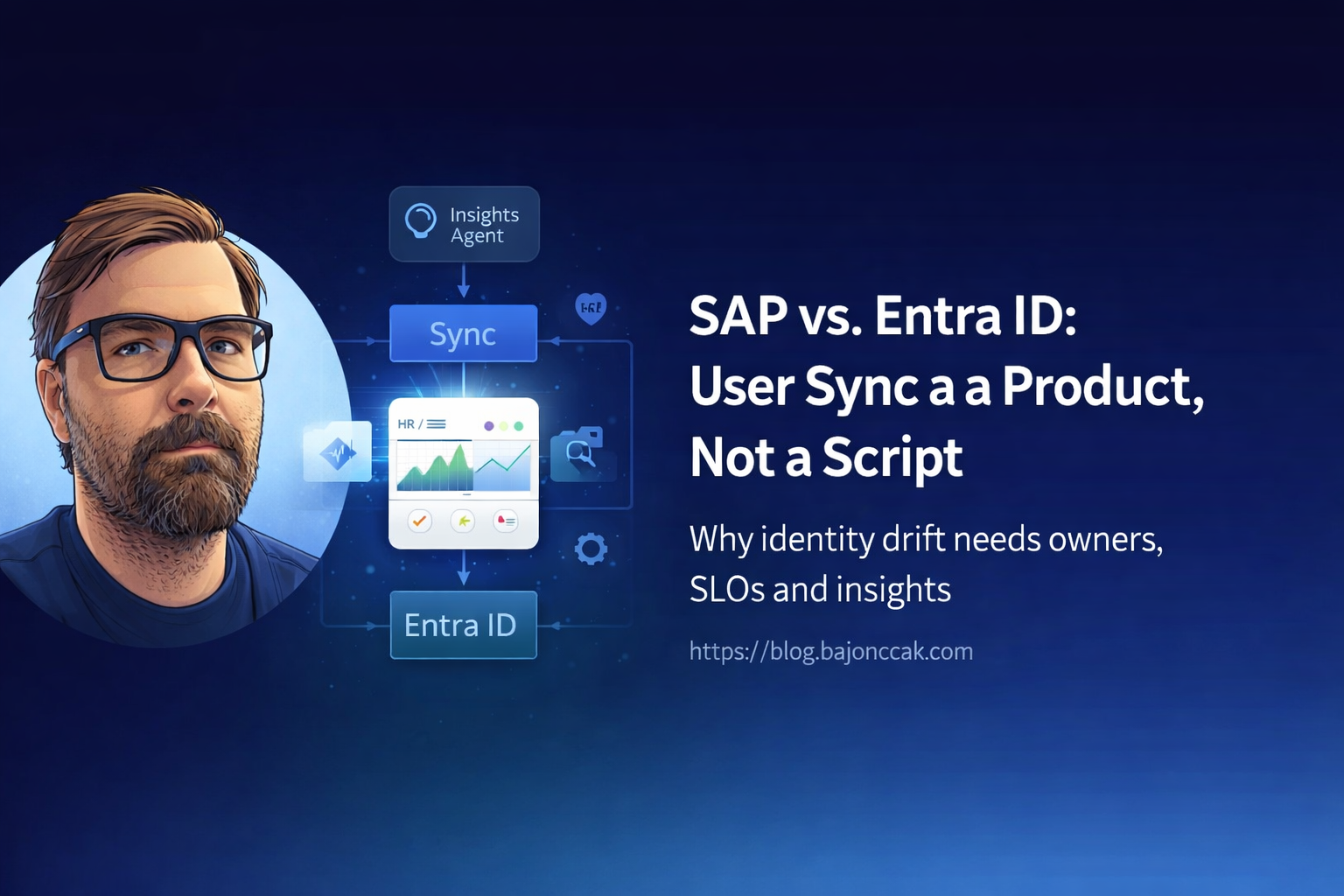
SAP vs. Entra ID: Why Your User Sync Should Be a Product, Not a Script
SAP to Entra ID sync is one of those topics that sounds smaller than it is.
On paper it is just identity plumbing: take users from SAP HR or SuccessFactors, compare them with Entra ID, create what is missing, update what changed, disable what should no longer exist.
In a real company, that “small script” decides who can log in, which apps they can reach, which department owns them, who their manager is, and sometimes whether offboarding actually happens.
That is not a script. That is an identity product.
If it breaks, the business does not care that the cron job failed because one OData field changed. The business sees users with wrong access, delayed onboarding, broken manager chains, and audit questions nobody wants to answer on a Friday afternoon.
My take: SAP ↔ Entra ID sync needs owners, SLOs, monitoring and a clear operating model. Code is only one part of it.
The “just a script” version
The risky version usually starts with good intentions.
Someone builds a small integration:
- call SAP or SuccessFactors
- call Microsoft Graph
- compare users
- update Entra ID
- maybe write a CSV report
- run it every night
For the first few weeks, that can look perfectly fine.
Then the real world arrives:
- SAP changes a field name or value format
- a department rename is handled differently in SAP and Entra
- contractors do not follow the same HR lifecycle
- one legal entity has a different offboarding rule
- manager IDs do not match UPNs
- a Graph permission expires or an app secret is rotated badly
- the sync silently skips 200 users because an API call timed out
- nobody knows whether SAP or Entra is the source of truth for a field
That is where the script becomes a product, whether you admit it or not.
The question is only whether you operate it like one.
What a sync product needs
A proper SAP ↔ Entra sync product needs more than a job runner.
At minimum, I would define:
| Area | Decision |
|---|---|
| Source of truth | Which attributes come from SAP, which from Entra, which from another system? |
| Ownership | Who owns business rules, technical platform and support? |
| SLO | How fresh does identity data need to be? Minutes, hours, overnight? |
| Failure mode | What happens when SAP or Graph is unavailable? |
| Drift handling | How are mismatches detected, reported and resolved? |
| Audit | Can we explain why a user was created, updated or disabled? |
| Exceptions | How are contractors, service accounts and special cases handled? |
| Change control | Who approves new mapped attributes or automation actions? |
That does not mean building a massive platform from day one. It means treating the sync as something the company depends on.
A good first step is to separate three jobs:
- Read from SAP and Entra.
- Compare both worlds and report drift.
- Write changes only after the rules are trusted.
I would not start with full write-back automation. I would start with reliable visibility.
Drift is the real product problem
The most useful first version is often a Sync Insights view.
Not “fix everything automatically”. Just answer questions like:
- Which active SAP users are missing in Entra ID?
- Which Entra users no longer exist as active SAP users?
- Which users have department mismatches?
- Which users have manager mismatches?
- Which accounts look like stale contractors?
- Which changes would the sync apply if write mode was enabled?
That gives HR, IAM and IT operations a shared view of the mess.
And yes, there will be mess.
Identity drift is normal in companies. People move departments, names change, managers change, contractors come and go, acquisitions add weird edge cases. Pretending that the data is clean is how you end up trusting the wrong automation.
A small mismatch function
The core comparison logic does not have to be fancy. It has to be explicit and testable.
type SapUser = {
  userId: string;
  email: string | null;
  department: string | null;
  managerId?: string | null;
  status?: 'Active' | 'Inactive';
};

type EntraUser = {
  userPrincipalName: string;
  mail: string | null;
  department: string | null;
  managerId?: string | null;
};

type SyncMismatch = {
  type: 'MissingInEntra' | 'MissingInSap' | 'AttributeMismatch';
  sapUser?: SapUser;
  entraUser?: EntraUser;
  details: string;
};

function normalizeEmail(email: string | null): string | null {
  return email ? email.trim().toLowerCase() : null;
}

export function computeMismatches(
  sapUsers: SapUser[],
  entraUsers: EntraUser[]
): SyncMismatch[] {
  const mismatches: SyncMismatch[] = [];

  const activeSapUsers = sapUsers.filter(u => u.status !== 'Inactive');
  const entraByEmail = new Map<string, EntraUser>();
  const entraByUpn = new Map<string, EntraUser>();

  for (const e of entraUsers) {
    const emailNorm = normalizeEmail(e.mail);
    if (emailNorm) entraByEmail.set(emailNorm, e);
    entraByUpn.set(e.userPrincipalName.toLowerCase(), e);
  }

  for (const s of activeSapUsers) {
    const emailNorm = normalizeEmail(s.email);
    let match: EntraUser | undefined;

    if (emailNorm) match = entraByEmail.get(emailNorm);
    if (!match) match = entraByUpn.get(s.userId.toLowerCase());

    if (!match) {
      mismatches.push({
        type: 'MissingInEntra',
        sapUser: s,
        details: `No Entra user for SAP userId=${s.userId}, email=${s.email}`,
      });
      continue;
    }

    const sapDept = (s.department || '').trim();
    const entraDept = (match.department || '').trim();

    if (sapDept && entraDept && sapDept !== entraDept) {
      mismatches.push({
        type: 'AttributeMismatch',
        sapUser: s,
        entraUser: match,
        details: `Department mismatch: SAP="${sapDept}" vs ENTRA="${entraDept}"`,
      });
    }

    const sapManager = (s.managerId || '').trim().toLowerCase();
    const entraManager = (match.managerId || '').trim().toLowerCase();

    if (sapManager && entraManager && sapManager !== entraManager) {
      mismatches.push({
        type: 'AttributeMismatch',
        sapUser: s,
        entraUser: match,
        details: `Manager mismatch: SAP="${sapManager}" vs ENTRA="${entraManager}"`,
      });
    }
  }

  const sapEmails = new Set(
    activeSapUsers.map(s => normalizeEmail(s.email)).filter((e): e is string => !!e)
  );
  const sapUserIds = new Set(activeSapUsers.map(s => s.userId.toLowerCase()));

  for (const e of entraUsers) {
    const emailNorm = normalizeEmail(e.mail);
    const upn = e.userPrincipalName.toLowerCase();

    const emailInSap = emailNorm && sapEmails.has(emailNorm);
    const idInSap = sapUserIds.has(upn);

    if (!emailInSap && !idInSap) {
      mismatches.push({
        type: 'MissingInSap',
        entraUser: e,
        details: `No SAP user for Entra UPN=${e.userPrincipalName}, mail=${e.mail}`,
      });
    }
  }

  return mismatches;
}
This kind of code is not the whole solution, but it is the part I want outside the prompt.
The model can explain the mismatch. It should not invent the mismatch.
Where an agent actually helps
An agent makes sense when it gives people a safer way to ask operational questions.
For example:
Show me active SAP users missing in Entra ID.
Which department mismatches changed since yesterday?
Which manager changes would affect access reviews?
Summarize the top identity drift risks for this week.
That is useful because the agent can sit on top of tools that are already constrained:
- list active SAP users
- list Entra users
- compute mismatches
- explain mismatch groups
- create a report
- optionally open a ticket
The agent should not get raw, unlimited SAP and Graph access and “figure it out”. That is just prompt glue around sensitive systems.
MCP and Foundry in this architecture
MCP is useful here because it forces you to admit that the agent needs tools.
Instead of hiding everything behind one vague endpoint like askSapAnything, you expose narrow operations:
sap_list_active_usersentra_list_usersreport_sync_mismatchesget_user_sync_detailcreate_sync_review_ticket
That is cleaner than giving the model direct access to every API and hoping the prompt keeps it disciplined.
Foundry can help with the agent layer: tool registration, hosted orchestration, evaluation, deployment and operational controls. But Foundry does not remove the need for backend rules.
My rule is simple:
MCP describes the tools. Foundry can host the agent. Your backend still owns the business rules.
Write mode comes later
I would split the product into maturity stages.
Stage 1: Read-only visibility
- read SAP users
- read Entra users
- compute drift
- produce reports
- no writes
- no automatic remediation
This is the safest starting point. It builds trust and exposes bad data before automation makes it worse.
Stage 2: Assisted remediation
- create tickets
- suggest fixes
- generate change payloads
- require human approval
- log decisions
At this stage the agent helps operations, but it does not silently change identity data.
Stage 3: Controlled write-back
- approved rules only
- small set of attributes
- dry-run mode
- rollback story
- audit trail
- monitoring
- change windows for risky updates
This is where the sync starts acting like automation. I would only go here after the drift reports are boring for a while.
Boring is good. Boring means the rules are understood.
Operating model
The operating model is where many sync projects fail.
I would define four owners:
HR data owner
Owns the meaning of SAP fields, employee lifecycle states, departments, manager hierarchy and special cases.
IAM owner
Owns Entra ID behavior, group strategy, access review implications, joiner/mover/leaver processes and security controls.
Platform owner
Owns the integration runtime, credentials, monitoring, deployment and incident response.
Business process owner
Owns what “correct” means for onboarding, offboarding and department changes.
If nobody owns an attribute, do not automate it yet.
SLOs and monitoring
A sync product needs simple SLOs.
Examples:
- new active SAP employee appears in Entra within 4 hours
- terminated employee is flagged within 30 minutes
- department mismatch report runs every morning
- sync job failures alert within 10 minutes
- no silent partial syncs
- every write action has a correlation ID
The exact numbers depend on the company. The important part is that the numbers exist.
I would monitor:
- successful runs
- failed runs
- partial runs
- API latency
- mismatch counts
- sudden spikes in missing users
- stale secrets or expiring certificates
- Graph throttling
- SAP API errors
A nightly sync without monitoring is not automation. It is a surprise generator.
Security boundaries
SAP HR data and Entra ID data are sensitive. Treat the agent as an operational tool, not as a casual chatbot.
I would enforce:
- read-only mode by default
- least-privilege app registrations
- narrow SAP API permissions
- no raw dumps in chat
- no full HR records in logs
- role-based access to reports
- correlation IDs for every tool call
- explicit approval before write actions
- retention rules for generated reports
If a user asks “show me all employees with salary details and access risk”, the answer should not be a clever prompt response. It should be a policy decision.
My take
SAP ↔ Entra ID sync is too important to live as an undocumented script under one admin's home directory.
Start with visibility. Build a Sync Insights layer. Compare SAP and Entra in a repeatable way. Show drift. Put owners around it. Add SLOs. Only then automate writes.
An agent can help, but only if the boring backend is already doing the right things.
That is the pattern I trust:
- SAP and Entra stay behind narrow tools
- comparison logic lives in code
- the agent explains and routes
- humans approve risky changes
- every decision is logged
The magic is not MCP or Foundry. The useful part is admitting that identity sync is a product and operating it accordingly.