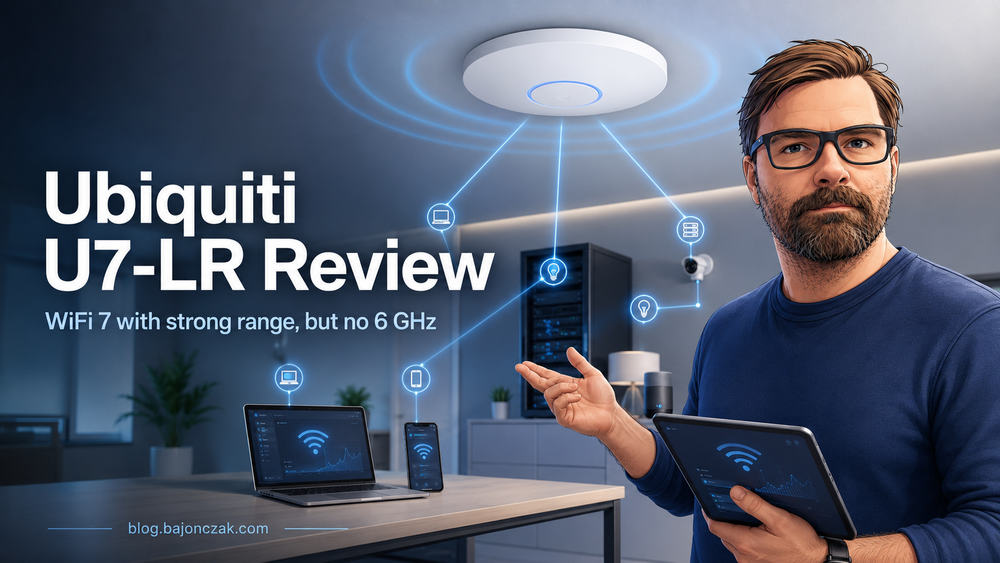
Ubiquiti U7-LR review: WiFi 7 with strong range, but no 6 GHz
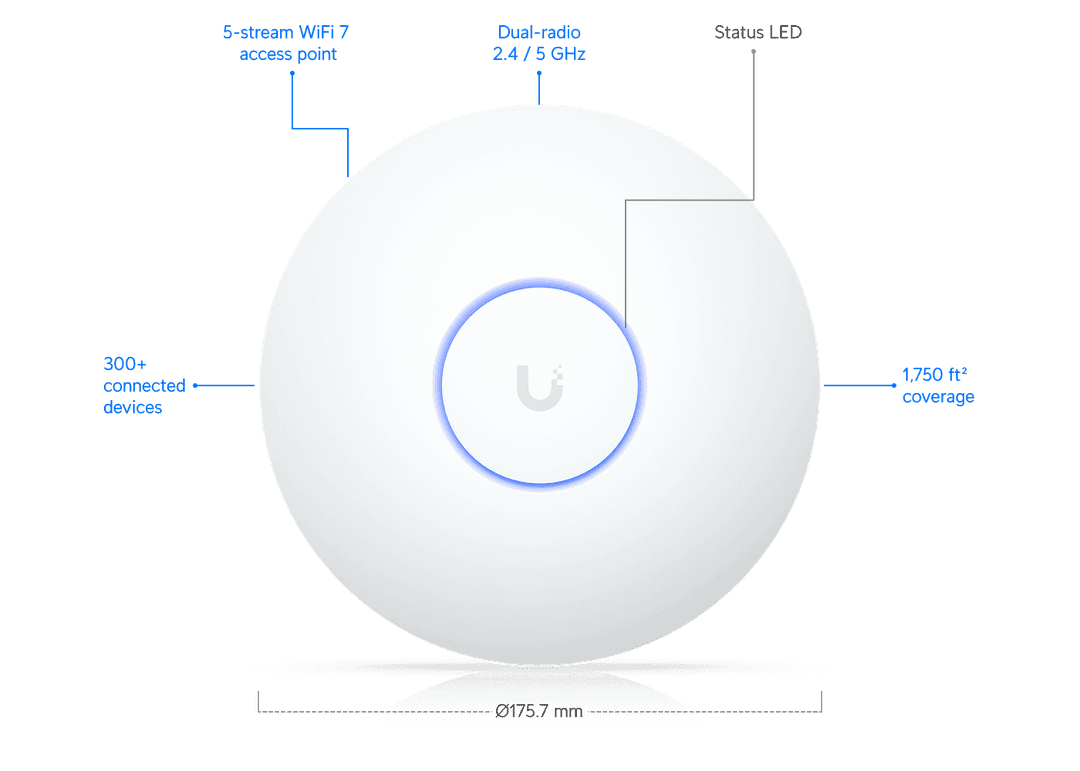
Image: Ubiquiti / official product image
Disclosure: This article contains affiliate links. If you buy through one of these links, I may earn a small commission. The price stays the same for you.
The Ubiquiti U7-LR is one of those access points that looks like an obvious upgrade at first glance. WiFi 7, Long Range, UniFi, 2.5 GbE, PoE. If you already run UniFi at home or in a small office, it sounds like an easy yes.
I would still not buy it blindly.
The U7-LR is interesting, but there is one detail you should know before ordering it: it is a WiFi 7 access point without 6 GHz. That does not make it a bad product. It just changes what you should expect from it.
View the Ubiquiti U7-LR on Amazon
Quick verdict
The Ubiquiti U7-LR makes the most sense if you already use UniFi and want a modern access point with good range, a 2.5 GbE uplink and PoE. For a house, a larger apartment, a small office, a medical practice or a studio, it can be a very solid choice.
But if you hear "WiFi 7" and automatically expect 6 GHz, look closer. The U7-LR uses 2.4 GHz and 5 GHz. It does not have a 6 GHz radio. For many setups that is fine. For a full high-end WiFi 7 setup, a tri-band model may be the better fit.
What the U7-LR offers
According to Ubiquiti's official specifications, the U7-LR comes with:
| Feature | Ubiquiti U7-LR |
|---|---|
| WiFi standard | WiFi 7 |
| Frequency bands | 2.4 GHz and 5 GHz |
| 6 GHz band | No |
| 5 GHz data rate | up to 4.3 Gbps at 160 MHz |
| 2.4 GHz data rate | up to 688 Mbps |
| Spatial streams | 5 |
| Uplink | 1x 2.5 GbE RJ45 |
| Power | PoE |
| Maximum power consumption | 14 W |
| Stated coverage | up to 160 m² / 1,750 ft² |
| Stated client count | 300+ |
| Mounting | Ceiling or wall |
That is a strong spec sheet for this class of access point. The 2.5 GbE port matters because a regular gigabit uplink can become a bottleneck on newer access points. The 160 MHz channel width on 5 GHz is also nice to have, assuming your environment allows it.
And that last part matters. In an apartment building with lots of neighboring networks, 160 MHz is not always the best idea. More channel width can mean more interference. In a detached house or a small office, it may work well. In a crowded area, stability can be more useful than a pretty speed test.
The main catch: WiFi 7, but no 6 GHz
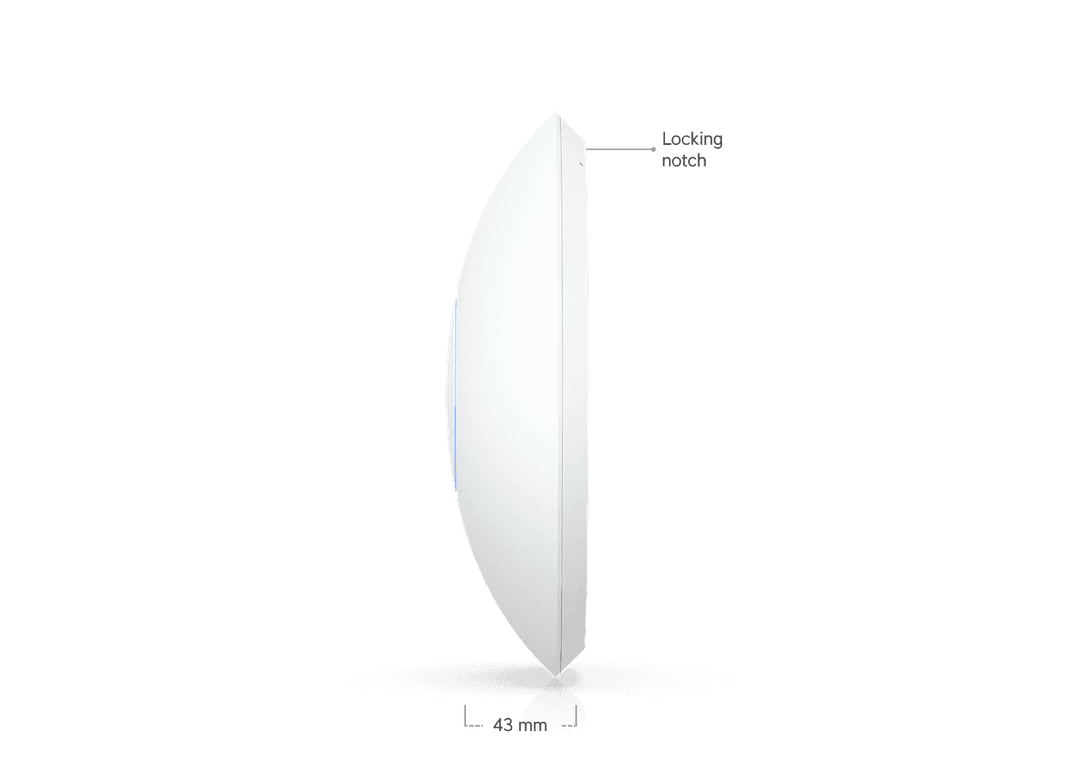
Image: Ubiquiti / official product image
This is the part that can cause confusion. WiFi 7 does not automatically mean that a device supports the 6 GHz band.
The U7-LR is a dual-band access point. It uses 2.4 GHz and 5 GHz. That can be a sensible choice for range and compatibility, since many devices still live on those bands anyway. But if your main reason for upgrading to WiFi 7 is 6 GHz, this is not the access point you are looking for.
I would not think of the U7-LR as the ultimate WiFi 7 playground. I would think of it as a modern UniFi access point focused on range, 5 GHz performance and everyday reliability.
Who should consider the Ubiquiti U7-LR?
The U7-LR is a good fit if you already use UniFi or want to build a UniFi network properly. The appeal is not just the access point itself. It is the UniFi Network platform around it.
Multiple SSIDs, VLANs, guest networks, roaming, band steering, client isolation and decent visibility into your network are the reasons people buy UniFi in the first place.
Good use cases include:
- a house or larger apartment with a centrally mounted access point
- a small office with employees and a guest WiFi network
- a medical practice, agency, studio or shop
- a holiday apartment where you want managed WiFi instead of a random consumer router
- an existing UniFi setup that needs a WiFi 7 upgrade
In these environments, the U7-LR is more interesting than a typical consumer router. Not because it magically makes your internet faster, but because it fits into a cleaner network setup.
Who should probably skip it?
If you are looking for a router that connects directly to your DSL, cable or fiber line, the U7-LR is the wrong product. It is not a router. It is not a modem. It is an access point.
You need the rest of the network around it: a router or gateway, ideally a PoE switch or a suitable PoE injector, and some way to manage UniFi Network.
I would probably skip it if:
- you do not want to use UniFi
- 6 GHz is a must-have for you
- you do not have PoE or do not want to add it
- you expect an all-in-one home router
- you only need WiFi for one small room
UniFi is not impossibly complicated, but it is still more of a system than a plug-and-forget consumer box. That is either the whole point, or it is unnecessary overhead.
What customer reviews suggest
On Amazon Germany, the Ubiquiti U7-LR currently sits at around 4.2 out of 5 stars with 78 global ratings. The positive reviews mostly mention good range, stable connections and easy setup inside an existing UniFi environment.
Some reviews are very short, which is normal for Amazon. Still, the pattern is useful: people who already know UniFi seem to get along with the U7-LR quickly. Several buyers describe it as a reliable access point that does exactly what they expected.
There is also some criticism. One international review points out that the U7-LR is not a tri-band access point. Another mentions that 2.4 GHz performance did not meet expectations compared with 5 GHz. That lines up with the main caveat above: do not read "WiFi 7" and assume you are getting every premium WiFi 7 feature.
PoE and 2.5 GbE are not optional details
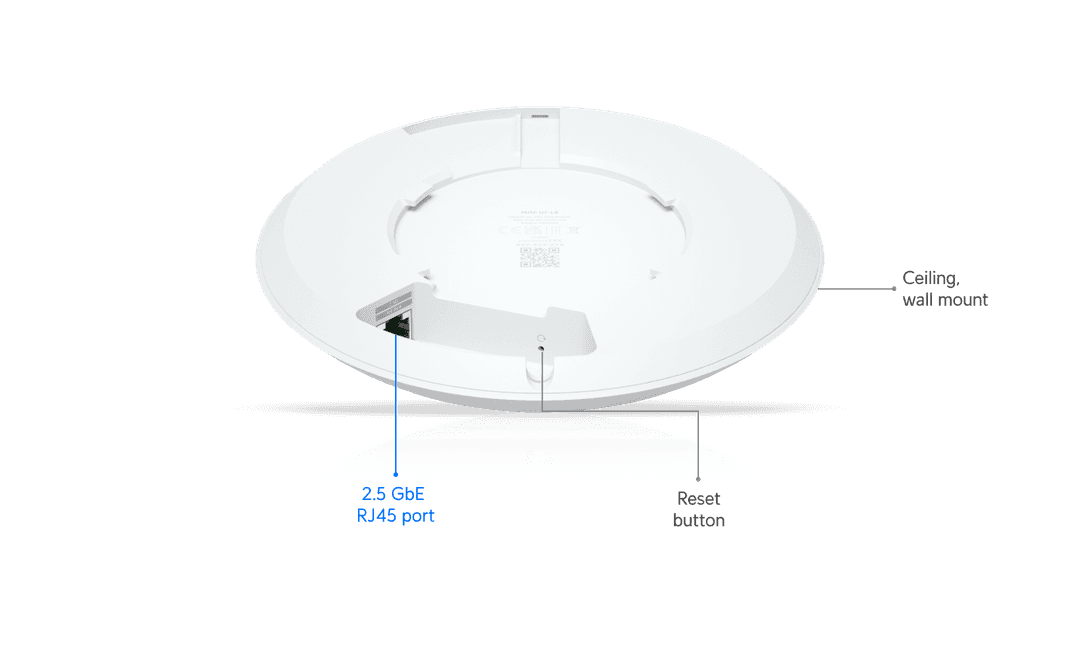
Image: Ubiquiti / official product image
The U7-LR is powered via PoE. In a clean network installation, that is great. One Ethernet cable handles data and power. For casual living-room use, it can be an extra hurdle.
If your switch does not provide PoE, you need a suitable PoE injector. You should also think about the uplink. The access point has a 2.5 GbE port, and ideally the switch port behind it should support 2.5 GbE as well.
That does not mean gigabit is useless. For many internet connections it is still enough. But if you are buying a WiFi 7 access point, it makes sense to check whether the rest of your network can keep up.
U7-LR or another UniFi access point?
The U7-LR is attractive if range and modern 5 GHz performance matter more to you than 6 GHz. If you already own several WiFi 7 clients with 6 GHz support and want to use that band, compare it with a proper tri-band access point before buying.
If you want to cover a house or small office with stable UniFi WiFi, the U7-LR looks like a sensible option. I would not read the "300+ clients" figure as a realistic recommendation for hundreds of active devices hammering the network at once. It is more a sign that Ubiquiti designed this for more than three phones and a TV.
My take
What I like about the U7-LR is that it knows what it is. It is not trying to be a flashy consumer router with a friendly app and a dozen marketing claims. It is a UniFi access point. That is the reason to buy it.
The Long Range name and the WiFi 7 label make it appealing, but the missing 6 GHz radio belongs in every buying decision. If you know that and it fits your setup, the U7-LR is a very interesting upgrade.
If you simply want "full WiFi 7", I would compare alternatives first.
Should you buy it?
I would buy the Ubiquiti U7-LR if:
- you already use UniFi
- you want a ceiling or wall mounted access point
- you can provide PoE properly
- you care about strong 5 GHz performance and range
- 6 GHz is not required for your setup
I would not buy it if you actually need a router, or if 6 GHz is the main reason you are upgrading.
View the Ubiquiti U7-LR on Amazon
Note: This article is not based on my own hands-on lab test. The assessment is based on Ubiquiti's official specifications, the Amazon product page and publicly visible customer reviews.