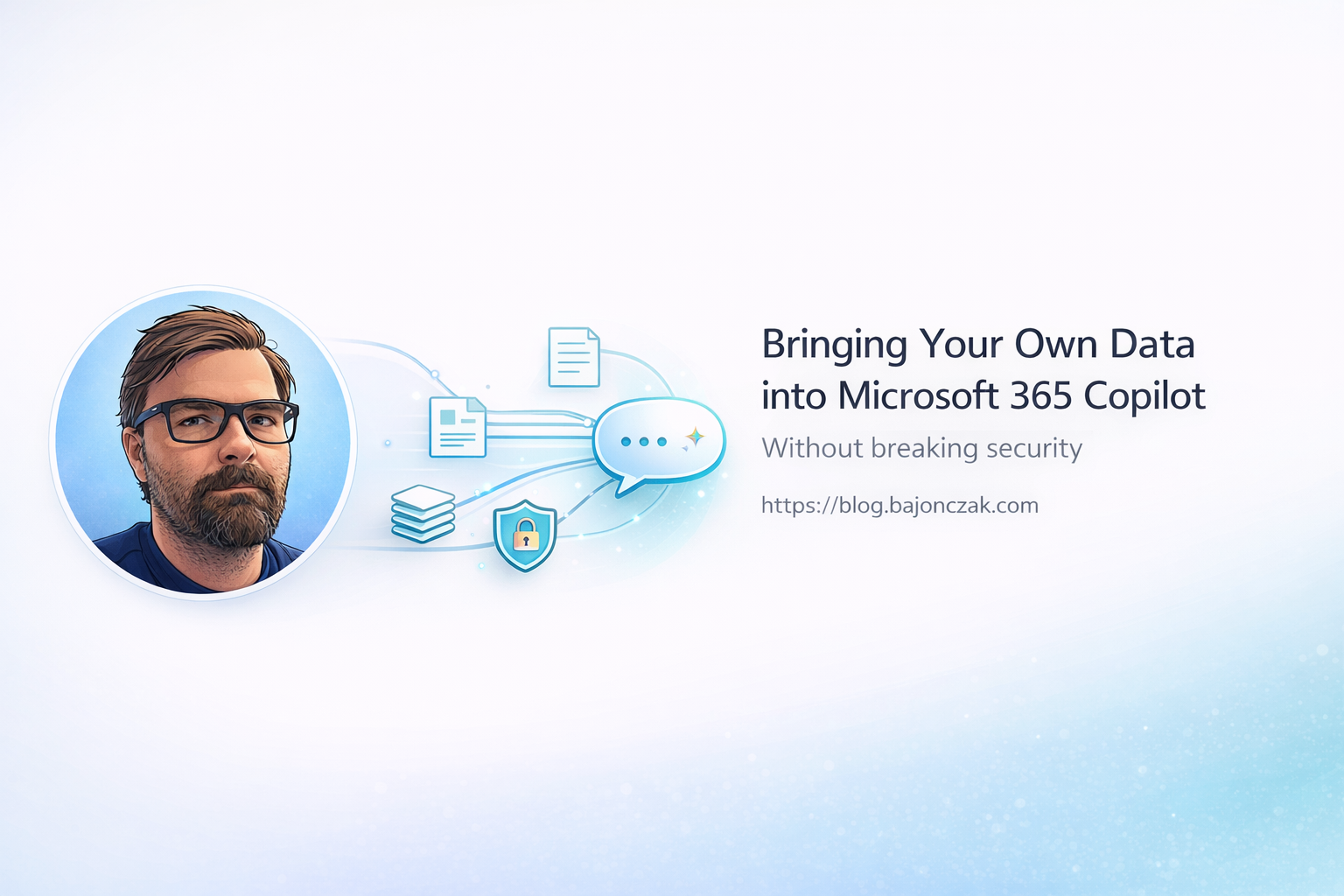
Bringing Your Own Data into Microsoft 365 Copilot (Without Breaking Security)
“Bring your own data” sounds harmless until someone asks Copilot a question it should never be able to answer.
That is the real problem. Not whether Copilot can technically reach another system. In most enterprise setups you can build a connector, index content, expose an API, or put an agent in the middle. The hard part is deciding which data deserves to be reachable, under which identity, with which permissions, and with which answer limits.
I would not treat BYOD for Copilot as a data ingestion project. I would treat it as a security design.
The boring rule is still the right one:
Copilot should only answer from data the user is allowed to see, for a purpose the system is allowed to support.
If that sounds obvious, good. Most failures in this area come from ignoring exactly that sentence.
The three realistic paths
When companies say “we want Copilot to use our data”, they usually mean one of three things.
| Path | Good for | Main risk |
|---|---|---|
| Native Microsoft 365 content | SharePoint, OneDrive, Teams, mail and files already governed in M365 | bad existing permissions become visible very quickly |
| Microsoft Graph connectors | external content that should become searchable in Microsoft 365 | wrong or lazy ACL mapping |
| Custom agents or plugins | live business systems, APIs, SAP, ticket systems, product data | your backend becomes the security boundary |
Those paths are not equal. They have different operational costs and different failure modes.
If your data is already in Microsoft 365 and permissions are clean, Copilot gets a lot of trimming behavior from the platform. If you index an external system with Graph connectors, you need to carry the permission model with the content. If you build a custom agent, the backend must enforce the rules every single time.
That last point matters. A prompt is not a permission check.
Path 1: Microsoft 365 content
This is the safest starting point, but only if the tenant is not already a permission landfill.
Copilot can work well with content in SharePoint, OneDrive, Teams and other Microsoft 365 surfaces because the platform already has a permission model. If a user cannot access a document, Copilot should not use that document as a source for that user.
That is the good news.
The bad news: Copilot makes hidden permission problems visible.
Before rolling Copilot into more data, I would check:
- overly broad SharePoint site permissions
- old Teams with sensitive files
- “Everyone except external users” used too casually
- stale project sites
- orphaned files from former owners
- HR, legal or finance documents in normal collaboration spaces
- guest users who still have access after a project ended
Copilot is not the villain there. It just removes the friction that previously hid the mess.
A user might not have known that a sensitive file existed in a forgotten SharePoint folder. Copilot can make that discoverable through a normal question. That feels like a Copilot issue, but the root cause is usually tenant hygiene.
My first BYOD recommendation is therefore boring:
Fix the Microsoft 365 permission model before celebrating external data connectors.
Path 2: Graph connectors
Graph connectors are useful when you want external content to appear in Microsoft 365 search and Copilot experiences.
The important part is not pushing text into the index. The important part is pushing the ACL with it.
A simplified external item might look like this:
// src/graphItems.ts
import fetch from 'node-fetch';

const GRAPH_BASE = 'https://graph.microsoft.com/v1.0';
const CONNECTION_ID = 'contosoConfluence';

async function getAppToken(): Promise<string> {
  // client credentials flow for your app registration
  return '<token>';
}

type SourcePage = {
  id: string;
  title: string;
  url: string;
  body: string;
  allowedUsers: string[];     // AAD IDs or UPNs
  forbiddenUsers?: string[];  // optional explicit deny list
};

export async function pushExternalItem(page: SourcePage) {
  const token = await getAppToken();

  const grantAcl = page.allowedUsers.map(userId => ({
    type: 'user',
    value: userId,
    accessType: 'grant' as const
  }));

  const denyAcl = (page.forbiddenUsers ?? []).map(userId => ({
    type: 'user',
    value: userId,
    accessType: 'deny' as const
  }));

  const item = {
    id: page.id,
    properties: {
      title: page.title,
      url: page.url
    },
    content: {
      type: 'text',
      value: page.body
    },
    acl: [...grantAcl, ...denyAcl]
  };

  const res = await fetch(
    `${GRAPH_BASE}/external/connections/${CONNECTION_ID}/items/${page.id}`,
    {
      method: 'PUT',
      headers: {
        'Content-Type': 'application/json',
        'Authorization': `Bearer ${token}`
      },
      body: JSON.stringify(item)
    }
  );

  if (!res.ok) {
    console.error('Failed to push externalItem', await res.text());
    throw new Error('graph_error');
  }
}
That is the line I care about most:
acl: [...grantAcl, ...denyAcl]
Without that, BYOD becomes “dump external content into Copilot and hope the prompt behaves”. I would not ship that.
The god-mode service account trap
The classic shortcut is a service account that can read everything in the source system.
It feels convenient:
- one account
- one connector
- one sync job
- no messy permission mapping
It is also exactly how you turn Copilot into a polite insider threat.
The connector should not simply know everything. It should know what the user is allowed to know. If the source system has permissions, map them. If the source system does not have usable permissions, fix that first or build a smaller, safer data product.
Path 3: Custom agents and plugins
Custom agents are where things get powerful and dangerous.
A rough flow looks like this:
flowchart LR
  U[User] -- ask --> C[Copilot]
  C -- call tool --> A[Agent]
  A -- HTTP --> B[Your Backend]
  B --> SYS[Systems]
With a custom backend, Microsoft 365 is no longer the only security model. Your service has to do the work:
- identify the user
- resolve roles and groups
- check source-system permissions
- filter search results
- block sensitive topics where needed
- log the decision
- return sources that the user can actually open
A minimal permission context might look like this:
// permissions.ts
export type UserContext = {
  email: string;
  roles: string[];
  groups: string[];
};

export async function getUserPermissions(email: string): Promise<UserContext | null> {
  const entry = await directoryLookup(email); // Entra ID / IAM lookup
  if (!entry) return null;
  return { email, roles: entry.roles, groups: entry.groups };
}
And the backend needs a boring ACL function, not just a nice system prompt:
// acl.ts
import { UserContext } from './permissions';

export type DocumentAcl = {
  allowedRoles?: string[];
  allowedGroups?: string[];
  forbiddenRoles?: string[];
};

export type ExternalDoc = {
  id: string;
  title: string;
  url: string;
  content: string;
  acl: DocumentAcl;
};

function hasAccess(doc: ExternalDoc, user: UserContext): boolean {
  const { allowedRoles, allowedGroups, forbiddenRoles } = doc.acl;

  if (forbiddenRoles && forbiddenRoles.some(r => user.roles.includes(r))) {
    return false;
  }

  if (!allowedRoles && !allowedGroups) {
    return true;
  }

  if (allowedRoles && allowedRoles.some(r => user.roles.includes(r))) {
    return true;
  }

  if (allowedGroups && allowedGroups.some(g => user.groups.includes(g))) {
    return true;
  }

  return false;
}

export function filterDocsByAcl(docs: ExternalDoc[], user: UserContext): ExternalDoc[] {
  return docs.filter(doc => hasAccess(doc, user));
}
This is not fancy. That is the point. The security boundary should be understandable.
Data that should trigger a hard “why?”
Some data should not be added to a generic Copilot experience just because it is technically possible.
I would challenge these categories hard:
- salaries and compensation planning
- performance reviews
- disciplinary or investigation data
- legal strategy
- M&A documents
- unreleased financial results
- medical or health-related HR data
- security incidents and vulnerability details
- customer secrets, tokens, passwords or private keys
- raw support tickets with personal data
- private messages or meeting transcripts without a clear retention model
That does not mean “never use AI around this data”. It means the access path should be narrow, auditable and purpose-built.
For example, an HR analytics agent that answers approved aggregate questions is very different from a generic Copilot connector that can summarize every salary spreadsheet in a tenant.
The first can be designed. The second is usually an incident waiting for a demo.
A simple decision model
This is how I would decide which path to use.
| Scenario | My default choice |
|---|---|
| Normal project documents already in SharePoint | Clean permissions, then use native M365 content |
| External wiki with usable per-page ACLs | Graph connector with mapped ACLs |
| External wiki with messy or missing permissions | Fix source permissions first, or index only approved spaces |
| SAP or ERP data | Custom agent/API with narrow tools and audit logs |
| HR or finance data | Purpose-built agent, not broad indexing |
| Data with legal or investigation risk | Usually out of scope for generic Copilot |
| High-volume structured data | Data product/API, not raw document dump |
The question is not “can we connect it?”
The better question is:
Can we explain, test and audit why this user got this answer from this source?
If the answer is no, I would not connect it yet.
Guardrails I would put in place
For a real rollout, I would want these guardrails before adding external data to Copilot.
1. Data source register
Keep a small register of connected data sources:
- owner
- purpose
- data categories
- permission model
- sync frequency
- retention expectations
- review date
- escalation contact
Not a 40-page governance monster. Just enough that nobody has to guess why a connector exists.
2. Permission tests
For every connector or agent, test with at least three users:
- a user who should see the data
- a user who should not see the data
- a user with weird edge-case access
If the third one sounds unnecessary, that is usually where the bug is.
3. Source visibility
Copilot answers should show usable sources. If the answer cites a document the user cannot open, something is wrong.
I would rather return “I found no accessible source” than produce a confident answer from a hidden document.
4. Sensitive topic blocks
Some topics should be blocked before retrieval, not after generation.
For example, if a non-HR user asks about layoffs, compensation bands or performance reviews, the backend should refuse or route to an approved workflow. Do not retrieve the documents first and hope the model does the right thing.
5. Logging without leaking
Log access decisions, not secrets.
Useful logs:
- user ID
- connector/tool called
- source system
- allowed or denied
- reason category
- correlation ID
Bad logs:
- full prompt with sensitive data
- full retrieved documents
- raw salaries, tokens or personal data
6. Owner review
Every connector needs an owner. If nobody owns the source, nobody owns the risk.
I would review connected sources regularly, especially after reorganizations, project closures and permission model changes.
What I would not do
I would not:
- connect a system with a god-mode service account and no per-user trimming
- index HR, legal or finance content just because search would be convenient
- use prompts as the only guardrail
- return answers without sources
- log raw sensitive prompts and retrieved documents
- let every team create connectors without a central register
- treat “Copilot did it” as an explanation during an audit
Again, Copilot is not the villain here. Bad integration design is.
My take
BYOD for Microsoft 365 Copilot can be useful. It can make internal knowledge easier to find and reduce the gap between Microsoft 365 and the systems where work actually happens.
But I would not sell it as “feed Copilot everything”. That framing is exactly backwards.
The mature version is smaller and more deliberate:
- connect fewer sources
- map permissions properly
- use custom agents for live or sensitive systems
- keep sources visible
- log decisions
- review the setup regularly
The win is not that Copilot knows everything.
The win is that Copilot can answer from the right data, for the right user, without turning old permission debt into a new security incident.