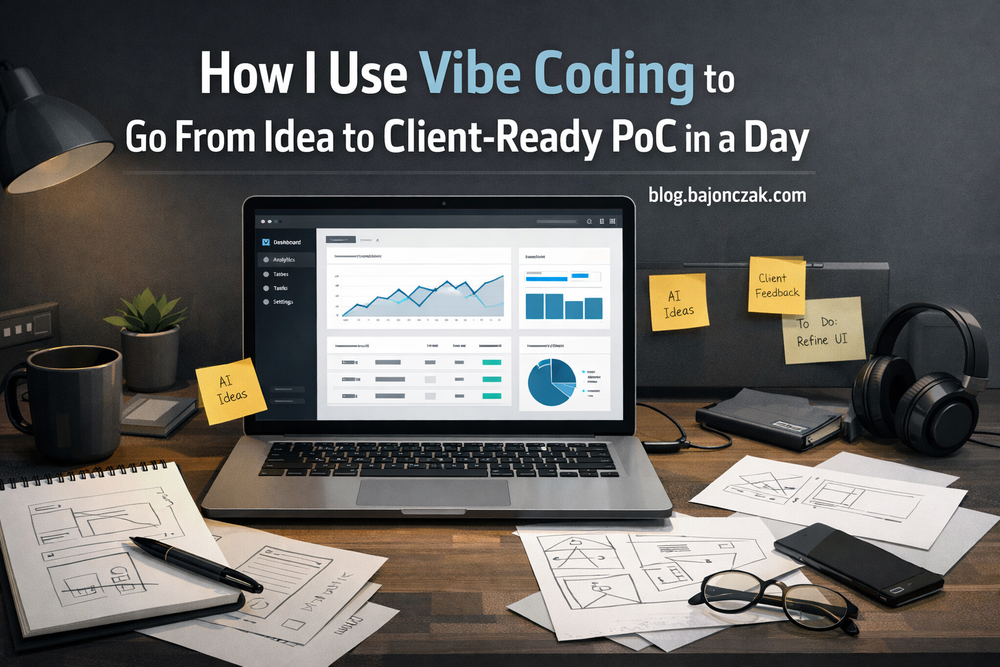
How I Use Vibe Coding to Go From Idea to Client-Ready PoC in a Day
A few years ago, building a proof of concept for a client felt like moving a mountain.
You’d spend days or weeks just to get a basic skeleton running:
- auth, routing, a half-decent UI,
- a couple of API calls,
- and in the end it still looked like a developer demo.
The client often didn’t see their world in it. The UI didn’t match their language, the data was generic, and we sometimes didn’t even get to the real conversation: “Is this the right thing to build together?”
In 2026 that feels very different. With AI assistance, good UI components and boilerplates, I can put something in front of a client in a day that already feels close to a product – even if the logic behind it is still just “vibe coding”.
In this post I want to write down how I do that: what I mean by “vibe coding”, how I use it to get to PoCs quickly, and where I draw the line.
What I mean by “vibe coding”
When I say “vibe coding”, I don’t mean “I randomly hack things together and call it AI”.
I mean a specific style of working:
- Goal: get to a clickable, good-looking demo in a short time that feels familiar for the client.
- Focus: UX, flow, domain language, use case – not perfect architecture.
- Tools: AI assistant in the editor, UI kits, generated boilerplate, rapid prototyping frameworks.
The result is not a “finished product”. It’s a strong first draft where:
- the client recognises their own world,
- we can talk about real workflows,
- and we have a base to put proper application logic behind later.
I don’t try to show technical perfection in a vibe-coded PoC. I try to show the feeling of a future system.
Why vibe coding works well for client demos
I use PoCs mostly for three reasons:
1. Testing understanding
The client tells you about their world, but nobody knows at the beginning if you actually share the same picture. A quick PoC is a mirror: “Is this what you meant?”
2. Building trust
When the client sees a clickable UI within a day, using their terms, their processes and maybe even realistic (anonymised) data, the conversation is very different from a deck of slides.
3. Reducing risk
I’d rather find out early that something doesn’t fit than after three months of “real” development.
In the past this was expensive, because getting to a “nice” PoC almost meant building a mini product. Today I can generate a lot of the boring parts (layout, structure, simple components) and spend my time on what actually matters for the client.
My typical flow when I vibe-code a PoC
Over time I’ve fallen into a pattern that works well for most scenarios, whether it’s about SAP data, Azure services, or Microsoft 365 integration.
1. I capture the story, not a 30-page spec
I start with a short narrative description:
- Who is the user?
- What does their normal day look like?
- What hurts today?
- What would a “good” day look like once this is solved?
That’s usually 10–20 sentences, not a huge requirements document.
I put it into a simple Markdown file inside the repo, e.g.:
User: production line lead
Problem: every week they manually pull data from SAP to see utilization.
Current: exports to Excel, manual aggregation, no live view.

Goal:
- dashboard with utilization per line
- filters by time range
- drill-down into orders / machines
- export if needed, but no more Excel as the main source
That’s enough context to start shaping a UI.
2. I let AI build the skeleton, not the full body
I use AI to generate the project skeleton: layout, routing, some boilerplate components.
For example, if I use a React/Next.js stack, I might ask my editor assistant:
“Create a minimal Next.js app with a dashboard layout: sidebar on the left, top bar, main content area with placeholders for charts and a table. Use a modern UI library. Keep the layout clean and responsive.”
That gives me something like:
export default function RootLayout({ children }: { children: React.ReactNode }) {
  return (
    <html lang="en">
      <body className="flex h-screen bg-slate-950 text-slate-100">
        <aside className="w-64 border-r border-slate-800 p-4">
          {/* Logo + navigation */}
        </aside>
        <main className="flex-1 flex flex-col">
          <header className="h-14 border-b border-slate-800 flex items-center px-4">
            {/* Top bar */}
          </header>
          <section className="flex-1 overflow-auto p-4">
            {children}
          </section>
        </main>
      </body>
    </html>
  );
}
Is that perfect code? No. Is it a fast way to get a decent-looking layout I can build on? Absolutely.
The important part: I treat AI output as a starting point, not as something I’d ship to production.
3. I bring the client’s domain into the UI as fast as possible
This is the key step for the “vibe”: I want the client to recognise their world on the screen.
That means:
- real field names (Customer, Order ID, Machine, Status …)
- real process steps (“Approve”, “Schedule”, “Escalate”)
- realistic (but anonymised) data
I often create a quick JSON with example data that fits the domain:
const exampleOrders = [
  {
    orderId: '5001234',
    customer: 'Meyer Maschinenbau GmbH',
    status: 'In Progress',
    line: 'Line A',
    startDate: '2026-02-20',
    endDate: '2026-02-23',
    utilization: 87
  },
  // ...
];
Then I wire this into a simple table component:
export default function DashboardPage() {
  return (
    <div className="space-y-4">
      <h1 className="text-xl font-semibold">Production Overview</h1>
      <table className="w-full text-sm border border-slate-800">
        <thead className="bg-slate-900">
          <tr>
            <th className="px-2 py-2 text-left">Order</th>
            <th className="px-2 py-2 text-left">Customer</th>
            <th className="px-2 py-2 text-left">Line</th>
            <th className="px-2 py-2 text-right">Utilization %</th>
          </tr>
        </thead>
        <tbody>
          {exampleOrders.map(order => (
            <tr key={order.orderId} className="border-t border-slate-800">
              <td className="px-2 py-2">{order.orderId}</td>
              <td className="px-2 py-2">{order.customer}</td>
              <td className="px-2 py-2">{order.line}</td>
              <td className="px-2 py-2 text-right">{order.utilization}</td>
            </tr>
          ))}
        </tbody>
      </table>
    </div>
  );
}
It’s not a masterpiece, but after a few hours I have:
- a layout,
- domain-specific labels,
- navigation and click paths the client understands.
The vibe is there.
4. I focus on clickable happy paths, not full business logic
For a PoC I don’t try to cover every edge case. I build:
- one or two end-to-end paths that show:
- how you get from overview to details,
- how you filter and search,
- how you trigger an action (create a work order, notify a team, export something).
The actions in the PoC often still hang off simple mocks, for example:
async function createWorkOrder(orderId: string) {
  // In real life: call SAP or another backend
  await new Promise(resolve => setTimeout(resolve, 500));
  return { success: true, workOrderId: 'WO-12345' };
}
The important thing is that the flow is right:
- Which buttons exist?
- Which information does the user see before deciding?
- What happens after an action completes?
The real SAP integration, auth, role model etc. comes later – once we’re sure we’re building the right thing.
Guardrails so vibe coding doesn’t turn into production code by accident
There are a few rules I try to stick to.
1. I mark PoC code clearly
I keep PoC repos and production repos separate. If I do copy code over, it’s:
- only after a conscious review,
- usually just UI components, not business logic,
- and often after a refactor.
In code and docs I’m explicit that something is a PoC.
2. I never sell a PoC as a finished product
During demos I say upfront:
“This is a quick prototype so we can see if we’re heading in the right direction. The real solution would have a different backend – properly integrated with SAP/Azure/M365, with security, logging, etc.”
That builds trust instead of unrealistic expectations.
3. I document the path from PoC to a real system
At the end of a PoC I write down briefly:
- what worked well,
- which parts are PoC-only,
- which architecture I’d suggest for a production implementation.
Sometimes that’s just a small diagram, but it helps everyone see the bridge from “cool prototype” to “serious project”.
How AI fits into this without taking over
AI is my booster during vibe coding, not the autopilot.
I use it for:
- layouts, basic components, routing,
- suggestions for API clients and form handling,
- generating realistic fake data.
I don’t use it for:
- core business logic,
- security-sensitive parts,
- performance-critical sections.
Especially in client projects I care a lot that the code which eventually goes live isn’t just AI output with a logo on top. The PoC can be “vibey”; the real application should be solid.
Conclusion: vibe coding as a conversation starter
For me, vibe coding is a way to move faster towards the conversations that really matter:
- Clients see something that looks and feels like their world.
- They can say “yes, this is how we imagine it” or “no, this would never work for us”.
- We spend less time guessing in documents and more time iterating on real flows.
As long as it’s clear that:
- a PoC is not a product,
- the prototype doesn’t go to production unchanged,
- and we’ll follow up with proper architecture and implementation,
vibe coding is one of the most useful ways I’ve found to combine AI, modern tools and practical engineering. It saves me time, gives clients a better feeling – and helps us both figure out much faster whether an idea should turn into a real project.