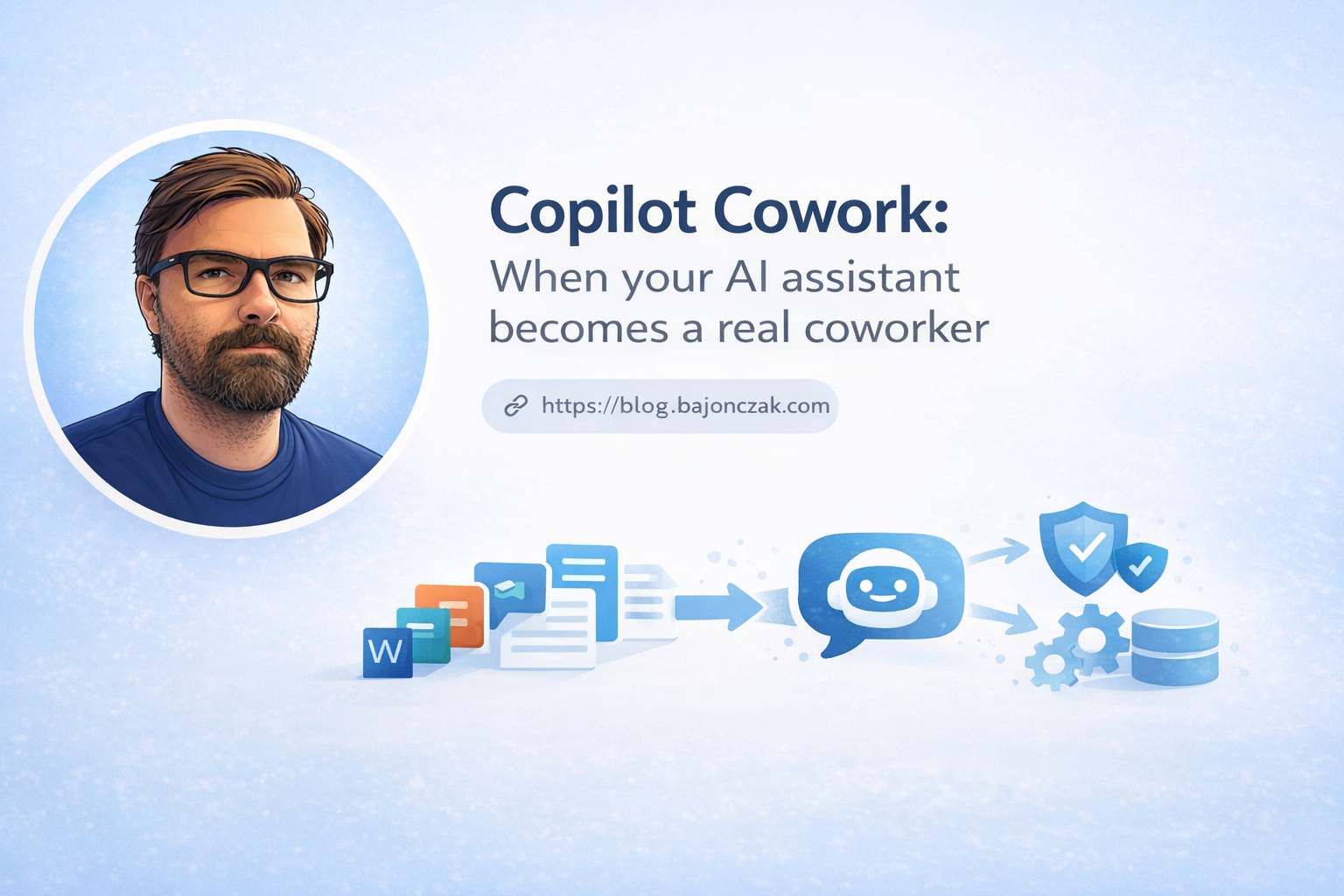
Microsoft Copilot Cowork: What It Means for AI Coworkers in Microsoft 365
My practical read on Microsoft Copilot Cowork, Agent 365, and Microsoft 365 E7. The interesting part is not the name. It is what happens when Copilot starts touching calendars, files, meetings, and follow-ups on its own.
The shift is execution, not chat
Copilot started as a smarter text box. Ask a question, get a draft, rewrite a mail, summarize a meeting. Useful, but still mostly reactive.
Copilot Cowork points in a different direction. Microsoft is trying to move Copilot closer to a real work assistant: something that can understand an outcome, build a plan, run parts of the work in the background, and come back when a human decision is needed.
That sounds small until you think about where most office work actually gets lost. It is often not the big strategy document. It is the coordination around it: calendar mess, missing prep notes, follow-up mails, files in the wrong place, tasks that nobody picked up after a meeting.
That is where Cowork becomes interesting.
In simple terms, the idea is this:
- You describe the result you want, not every single click.
- Copilot looks at the Microsoft 365 context it is allowed to use: mail, calendar, Teams, files, meetings.
- It suggests a plan and keeps you involved at checkpoints.
- For actions that matter, like sending messages, moving meetings, or changing documents, it asks before doing the final step.
If Microsoft gets this right, Copilot stops being "the thing that writes a paragraph" and becomes "the thing that keeps work moving while I do something else".
That is useful. It is also exactly where governance starts to matter.
Where I can actually see this being useful
The demos usually sound clean. Real tenants are not clean. Calendars are full, permissions are messy, teams use different naming habits, and half the important context sits in old chats nobody wants to read again.
Still, I can see a few realistic use cases.
Calendar cleanup that does not create more work
A normal week can be full before Monday even starts. Focus time disappears. Preparation time is missing. You have two meetings next to each other and no chance to read anything beforehand.
A useful Cowork scenario would be:
- Check my calendar for the next week.
- Find meetings where I am optional or where another colleague already covers the topic.
- Suggest focus blocks around the things I actually need to finish.
- Draft polite decline or reschedule messages.
- Ask me before anything is sent.
The last point is important. I do not want an agent randomly moving meetings around because it thinks my calendar should be prettier. I want it to do the boring analysis and then let me approve the changes.
Meeting prep and follow-up
This is probably the strongest use case.
For an important meeting, Cowork could gather the relevant emails, Teams messages, notes, and files. Then it could prepare a short briefing, point out open questions, create a first slide deck, and block prep time in the calendar.
After the meeting, it could draft the follow-up mail and turn decisions into Planner or To Do tasks.
That would save real time, but only if the output is grounded in the right sources. A beautiful summary based on the wrong file is worse than no summary. In Microsoft 365 projects, this always comes back to permissions, document hygiene, and naming. Boring topics, but they decide whether this works.
Agents inside PowerPoint, OneDrive, Teams, and search
The other interesting part is that Microsoft is pushing more agentic behavior into the apps themselves.
In PowerPoint, Copilot should not only write slides. It should understand structure, content, and design well enough to iterate with you.
In OneDrive and SharePoint, agents can help surface the files that matter for a topic instead of making you search through old folders and half-remembered filenames.
In Teams and Copilot entry points, the agent becomes less of a separate chatbot and more of a layer across the tools people already use all day.
That is the right direction. Nobody wants another portal.
Agent 365 is the part IT should watch
The exciting demo is Cowork doing work for you. The important admin topic is Agent 365.
As soon as agents can act, the old question changes. It is no longer just "who can read this file?". It becomes:
- Which agent exists in the tenant?
- Who created it?
- Which data can it access?
- Which actions can it perform?
- Where are the logs?
- Who reviews what it did?
Agent 365 is Microsoft's answer to that problem. It is meant to give organizations a control plane for agents, with visibility, policy, security, and integration into tools like Entra, Defender, Purview, and related Microsoft security products.
That is not optional in a serious environment. If agents become normal users of business systems, they need identity, permissions, auditing, lifecycle management, and owners. Otherwise you end up with shadow automation, only with better language skills.
My take: before companies get excited about autonomous workflows, they should map the boring admin model first. Who owns agents? IT? Security? Business departments? A platform team? If that is unclear, the rollout will become messy quickly.
Microsoft 365 E7: useful bundle or another licensing headache?
Microsoft 365 E7 is positioned as the big frontier AI bundle: Microsoft 365 E5, Copilot, Agent 365, and additional security capabilities around the same stack.
From Microsoft's point of view, this makes sense. If agents operate inside Microsoft 365, the security and governance story is stronger when everything runs through Entra, Defender, Intune, Purview, and the rest of the Microsoft ecosystem.
From a customer point of view, I would be careful.
The bundle may be attractive if a company is already deep in Microsoft 365 and wants to standardize on Copilot and agents. But if the tenant still has basic governance issues, adding a bigger license does not magically fix them.
I would first check:
- Are sensitivity labels and DLP actually used, or only configured once and forgotten?
- Are Teams and SharePoint permissions clean enough for an agent to rely on them?
- Do admins know which Copilot features are enabled for which users?
- Is there a process for agent reviews and retirement?
- Can security teams investigate agent activity without guessing?
If those answers are weak, E7 might give you more features than you can safely operate.
The opportunity is coordination
The best argument for Cowork is not that it writes better text. Most people already have enough text.
The opportunity is coordination.
Office work has a lot of small steps that are easy to ignore because each one only takes five minutes. The problem is that there are twenty of them. Preparing a meeting, finding the last decision, updating the file, writing the follow-up, creating the task, checking who owns it. None of that is glamorous. All of it eats time.
A good AI coworker could keep that layer moving.
That would help especially in roles where people switch context all day: project managers, consultants, internal IT, sales, HR, service teams, and anyone who lives between meetings and documents.
But the productivity gain will depend on how clearly people describe outcomes. If the prompt is vague, the plan will be vague. If the source data is messy, the answer will be messy. AI does not remove process problems. It usually exposes them.
The risks are boring, which means they are real
The biggest risks are not science fiction. They are normal enterprise problems with an AI label on top.
Governance gets heavier
More autonomy means more things to govern.
Companies will need policies for what agents are allowed to do, how approval works, where logs are stored, and who is responsible when something goes wrong. Agent 365 can help, but it will not decide the policy for you.
People will either underuse it or overtrust it
Both are likely.
Some users will keep using Copilot as a nicer text generator and never hand off real work. Others will trust it too quickly because the output looks confident.
Training has to be practical. Not "AI transformation" slides. Real examples: which tasks are safe, which tasks need approval, what to check before sending, and when to stop the agent.
Privacy and compliance need concrete answers
In Europe, the questions are predictable:
- Which data can Cowork access?
- How does this interact with GDPR and data residency?
- Are meeting transcripts, chats, and files used in ways employees understand?
- Do default settings match the company's risk profile?
These answers need to be documented before broad rollout, not after the first uncomfortable question from works council, legal, or security.
Lock-in becomes stronger
Cowork is most valuable when the work already lives in Microsoft 365: Outlook, Teams, OneDrive, SharePoint, Entra, Defender, Intune, Purview.
If a company has many important workflows outside Microsoft, the experience will be uneven. Either more work moves into Microsoft 365, or Cowork only sees part of the picture.
That is not automatically bad. But it should be a conscious decision, not something discovered after buying the license.
How I would approach a pilot
I would not start with a company wide rollout.
I would pick one or two boring workflows where success is easy to measure:
- meeting preparation and follow-up for a project team
- calendar cleanup for managers
- customer briefing preparation for sales or consulting
- internal IT coordination around recurring service meetings
Then I would define a few rules:
- no automatic external sending without approval
- clear logging of what the agent changed or drafted
- limited data scope at the beginning
- named owner for each agent or workflow
- feedback after every few runs
The goal of the pilot should not be "look, AI works". The goal should be to find out where the agent saves time, where users still need control, and which governance gaps appear immediately.
My take
Copilot Cowork is one of the more interesting Copilot directions because it focuses on execution. Not just answering. Not just summarizing. Actually moving work forward.
But that also makes it harder to operate safely.
If Microsoft can make the approval model clear and Agent 365 gives admins real visibility, this could become genuinely useful in Microsoft 365 environments. Especially for coordination-heavy work.
I would still treat it as a controlled rollout, not a magic productivity switch. Start with boring workflows, watch the logs, keep approvals strict, and fix the tenant hygiene first.
Because once agents can touch calendars, files, and tasks, the quality of your governance becomes part of the user experience.
Image credits: screenshots referenced in the original article came from Microsoft's official blogs and TechCommunity posts, especially the Microsoft 365 Copilot February 2026 update.